# Create a RPA bot
To create a Bot which opens a workbook named Employee_details and retrieve data from user proposed cell follow the below steps,
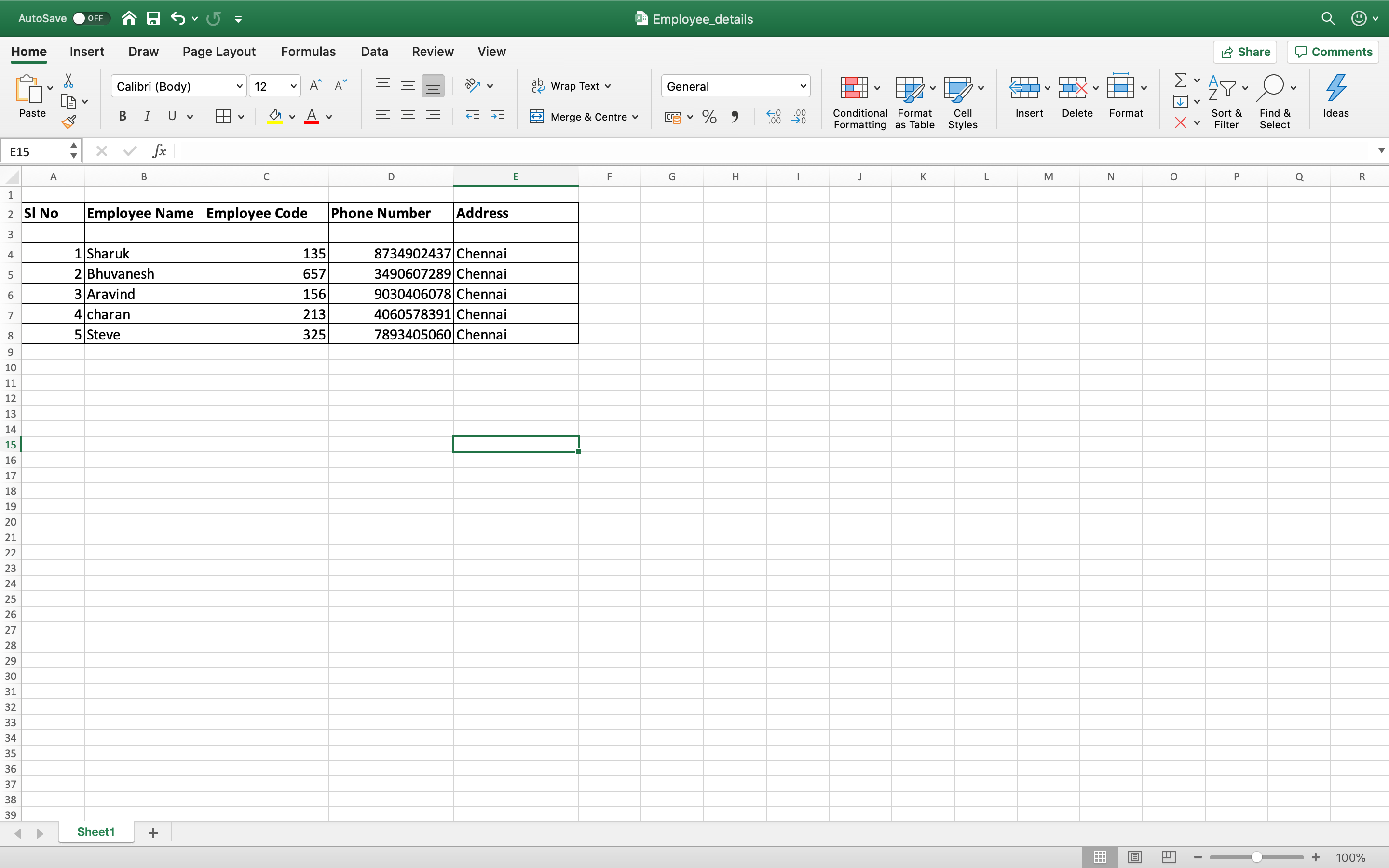
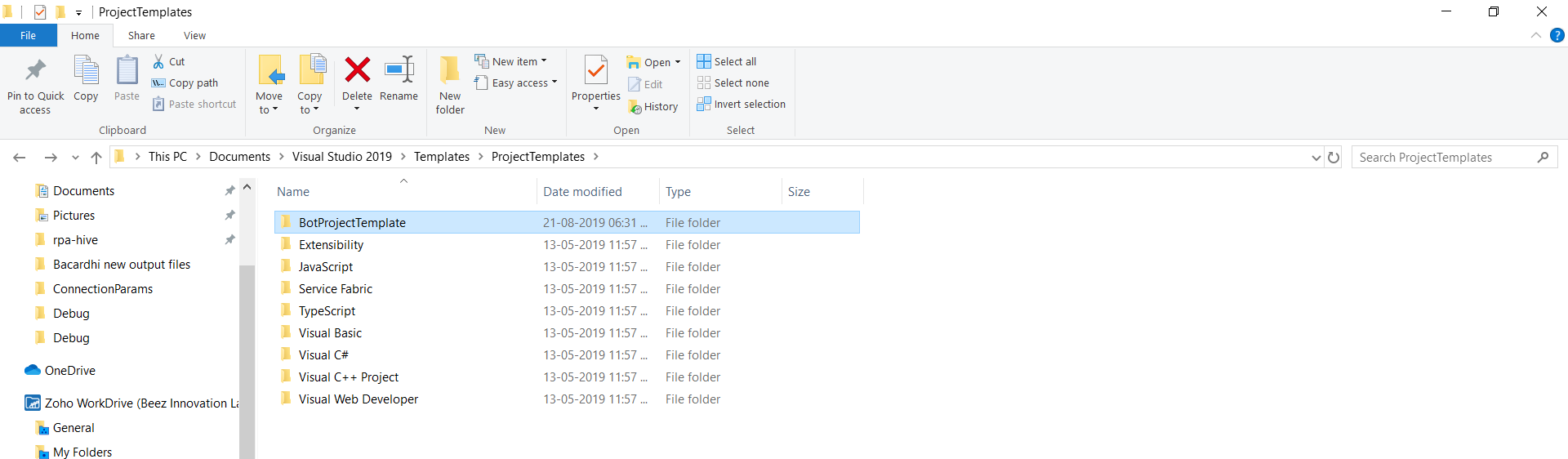
Step 1: Save BOTPROJECTTEMPLATE folder in VisualStudio. So that it will be available during bot creation.
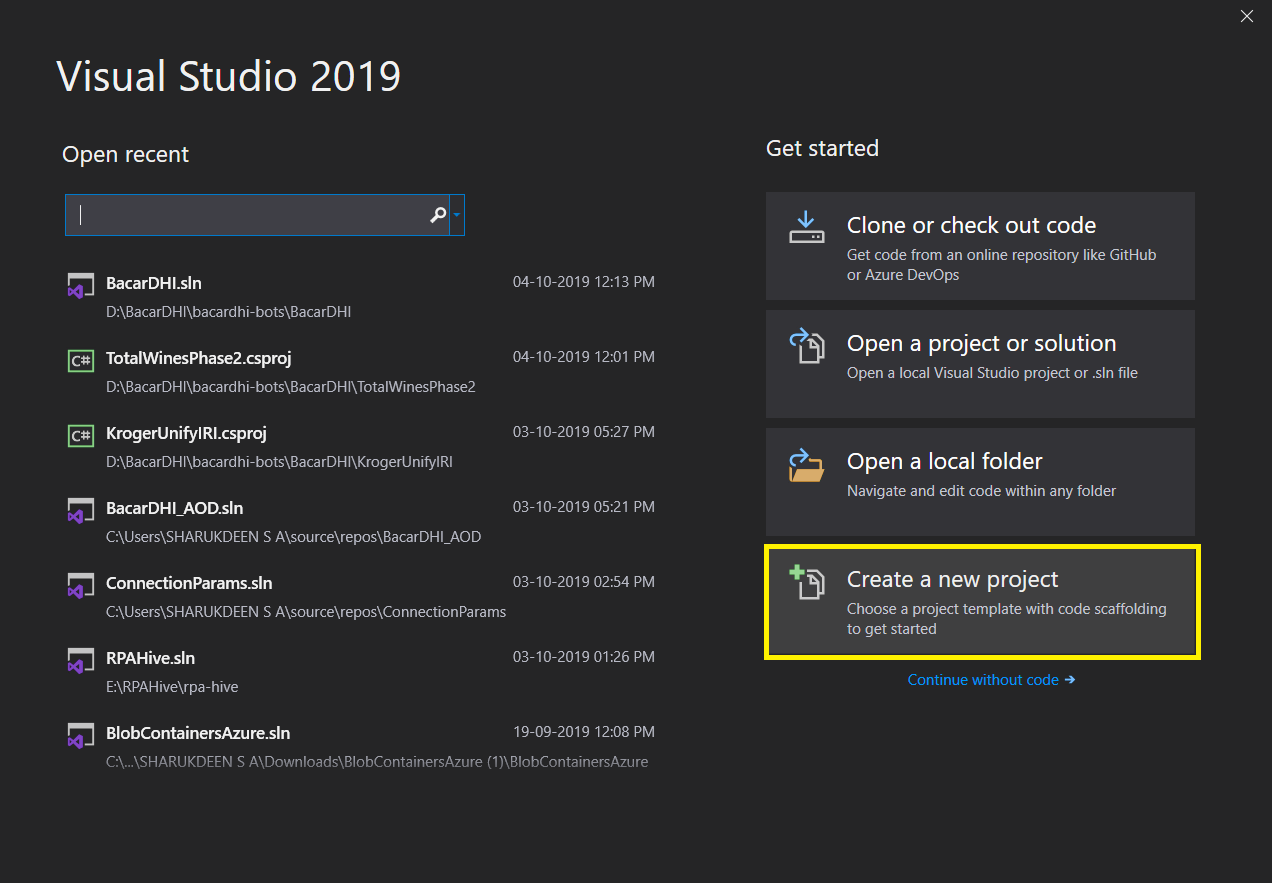
Step 2: click Create a new project in Visual Studio wizard.
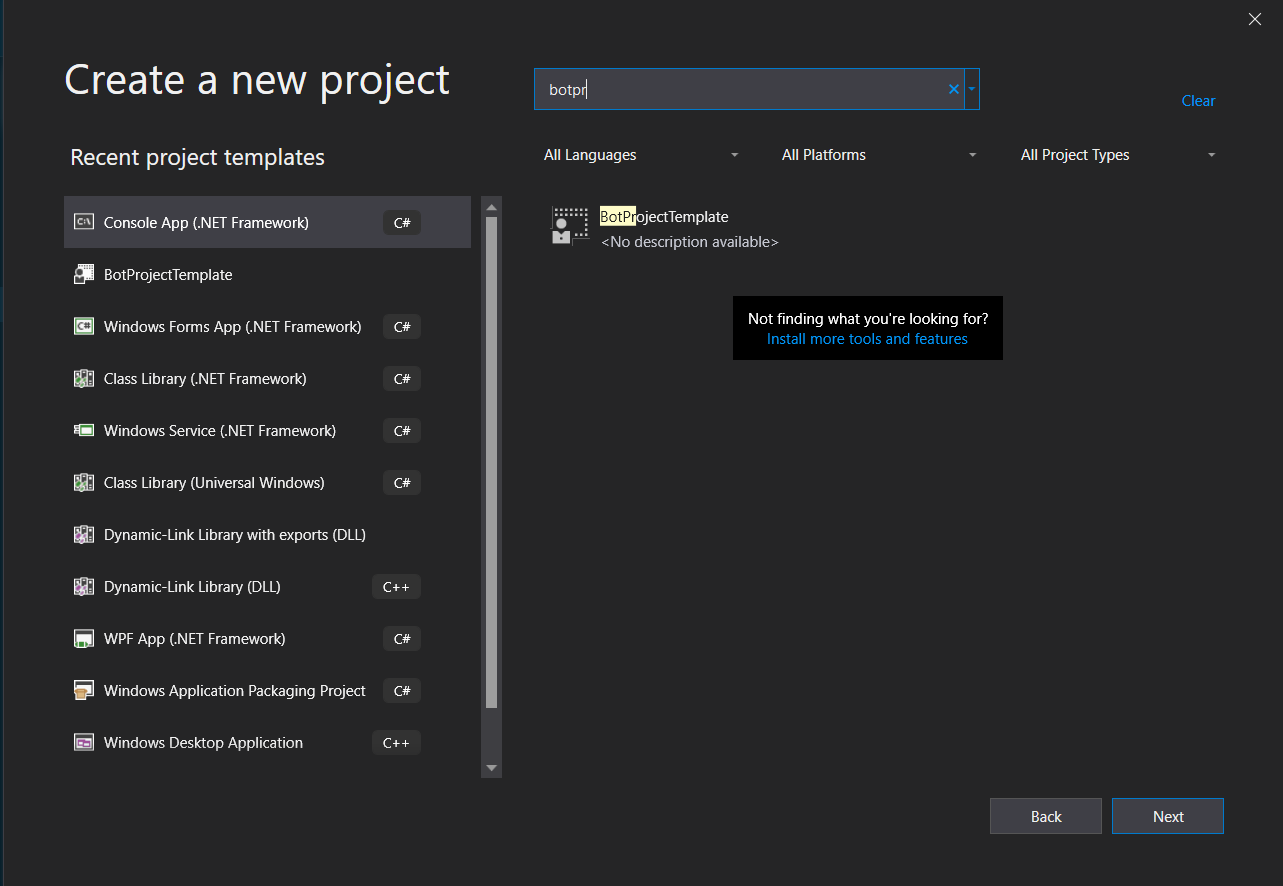
Step 3: In Create a New Project wizard select the BotProjectTemplate folder and click Next.
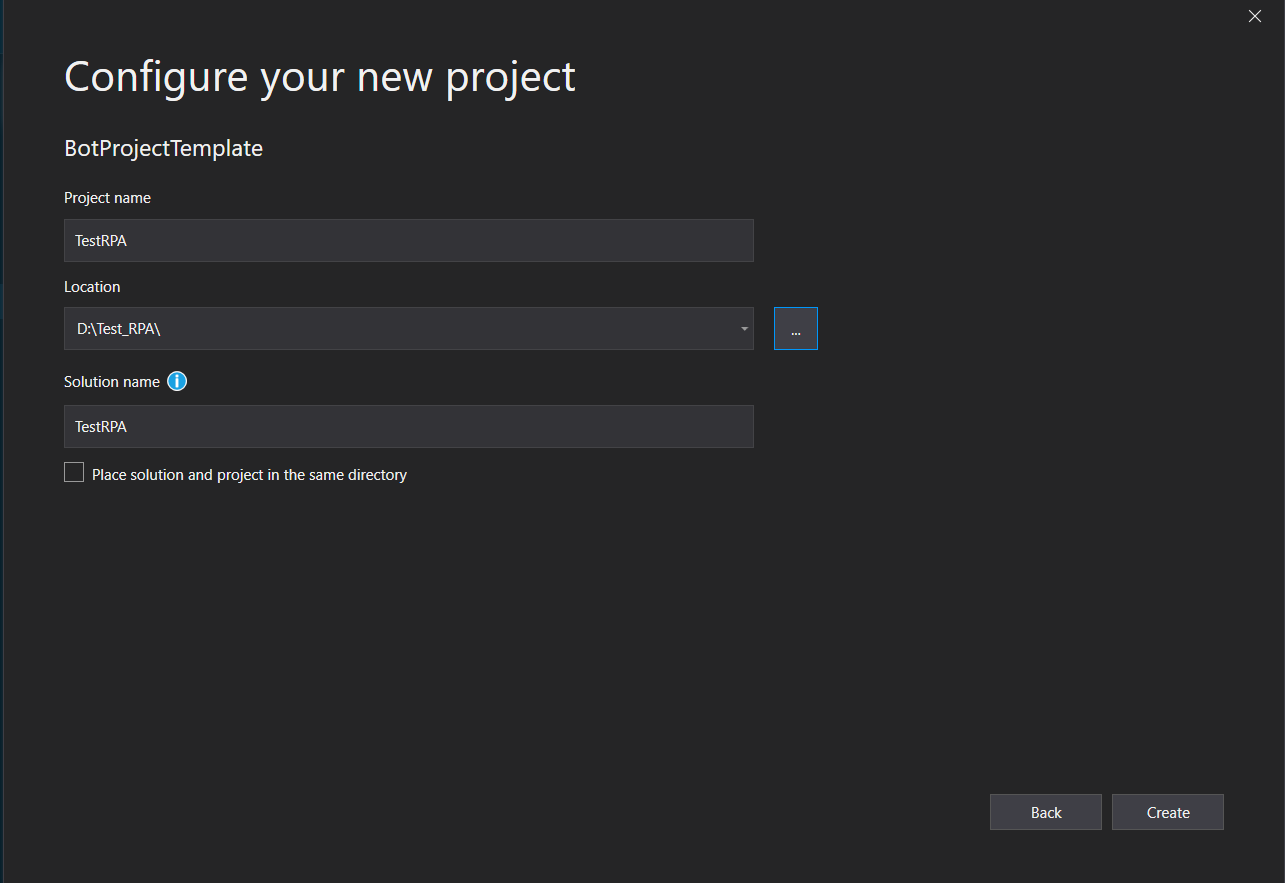
Step 4: Configure the new project by giving metadata of the project and click create.
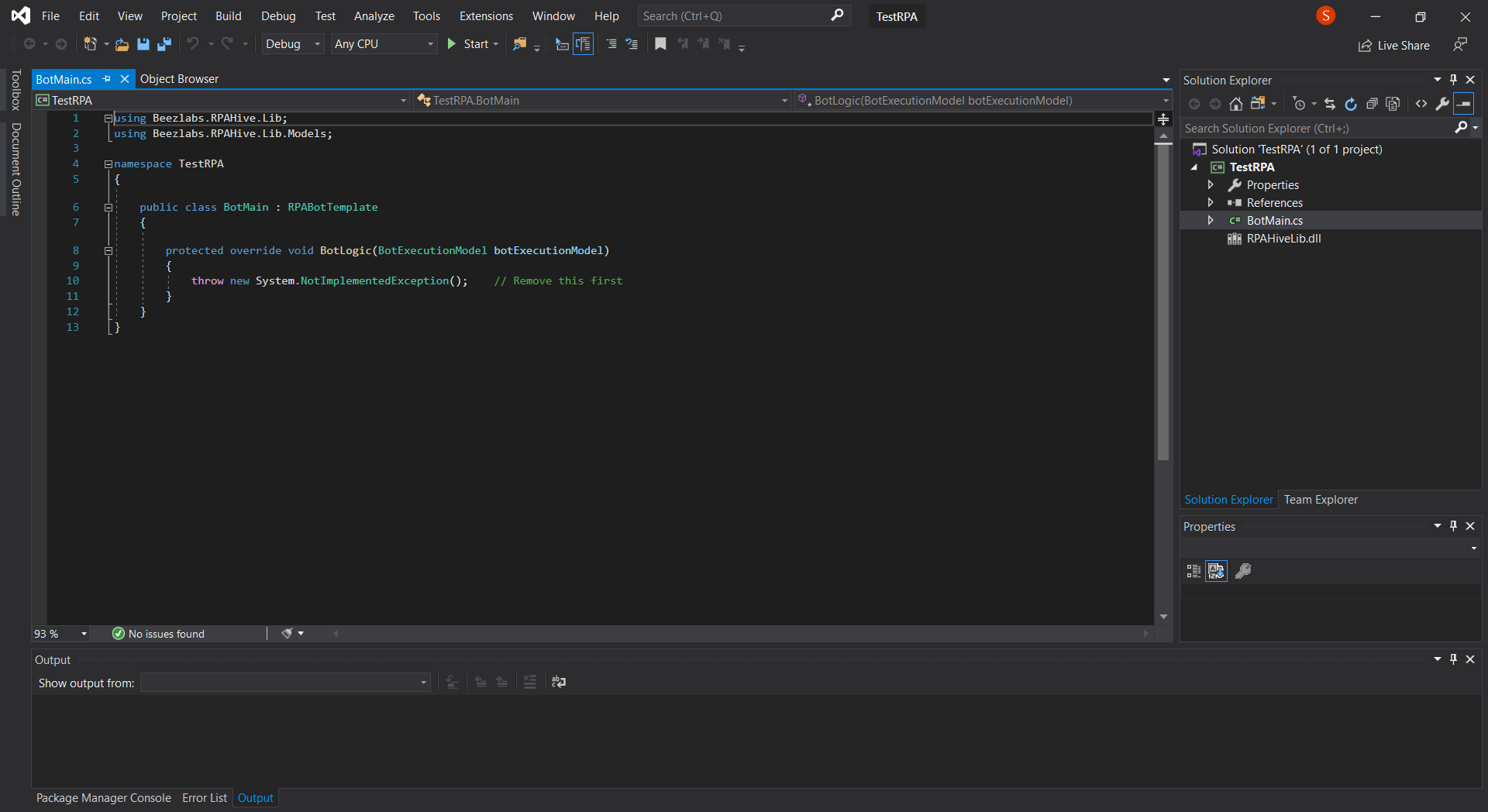
Step 5: Once the new project is created, we can implement the business logic in bot logic method to facilitate faster development, RPA libraries can be incorporated into the project.
Step 6: Use the following RPA libraries to create the BOT,
OpenWorkBook(System.String) - to open the Workbook
OpenWorkSheet(System.String) -to open the Worksheet
GetCellData(System.String) - to retrieve data from the proposed Cell
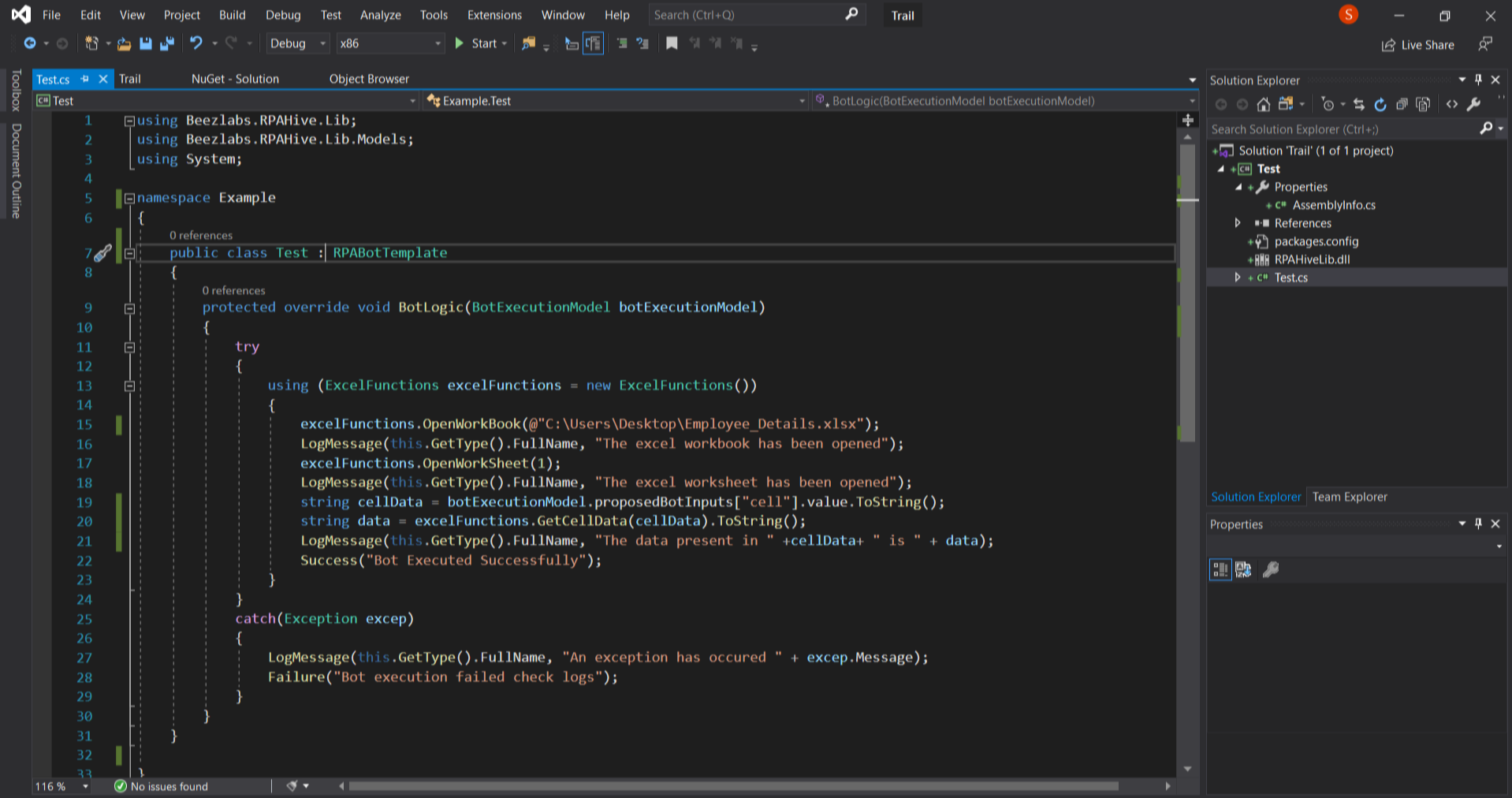
After the successful implementation of business logic, build the project and register the bot in Tulip.